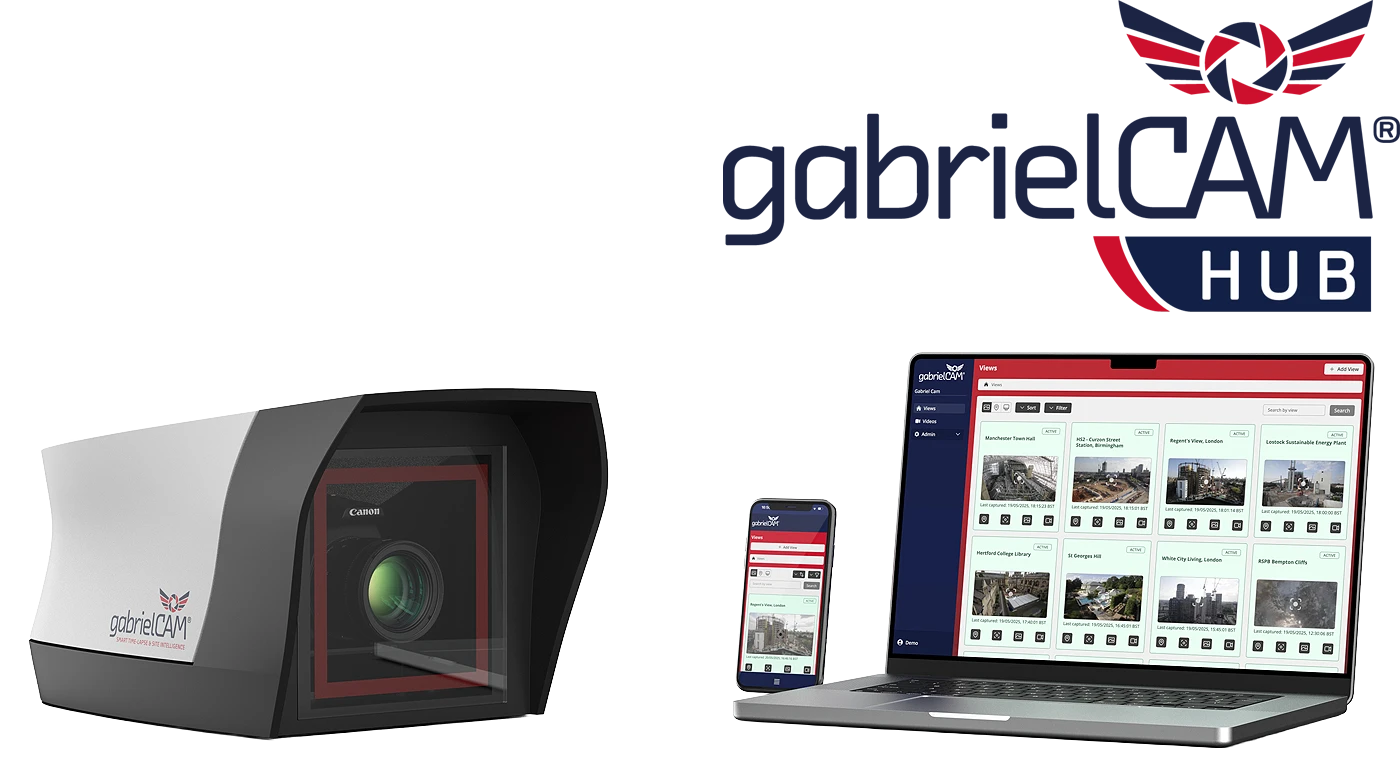
The All-in-One Project Monitoring Portal
Control your cameras, track progress, and deliver client-ready updates — all from one portal.
gabrielCAM® Hub
From fast on-site setup to global remote access, gabrielCAM® Hub gives you a live, intelligent window into every construction site.
Fast on-site setup, global remote access
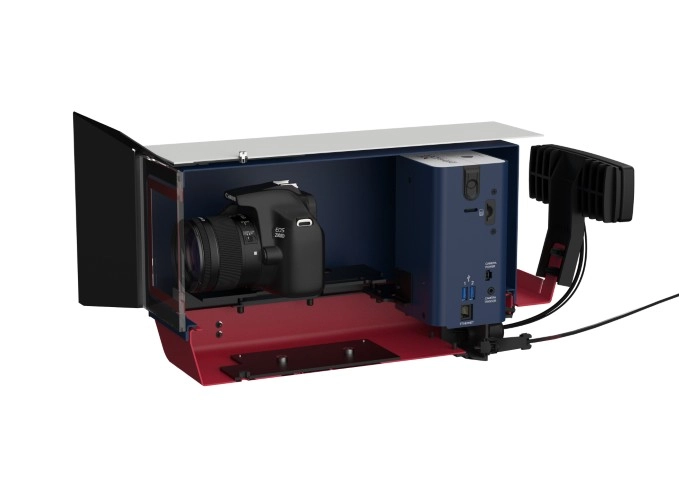
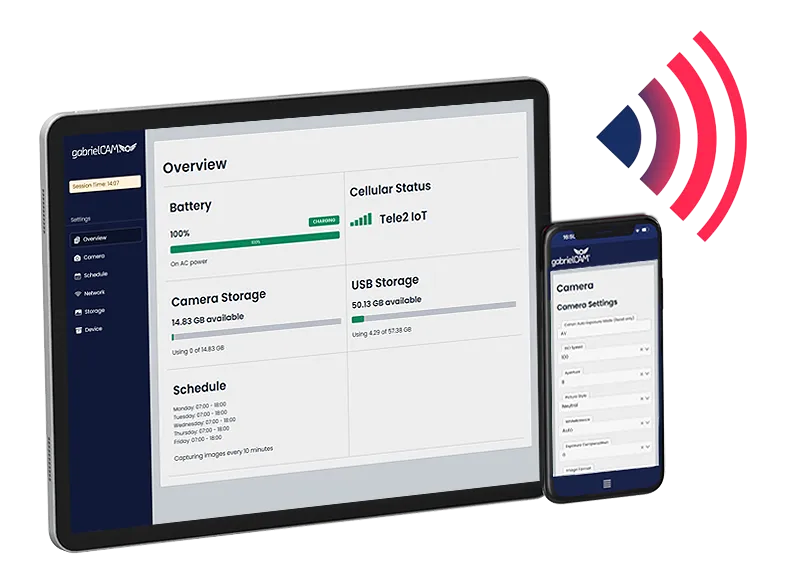
Get your time-lapse camera online quickly with on-site WiFi setup, then manage it remotely over 4G from anywhere once you leave the site.
A live window into your construction site
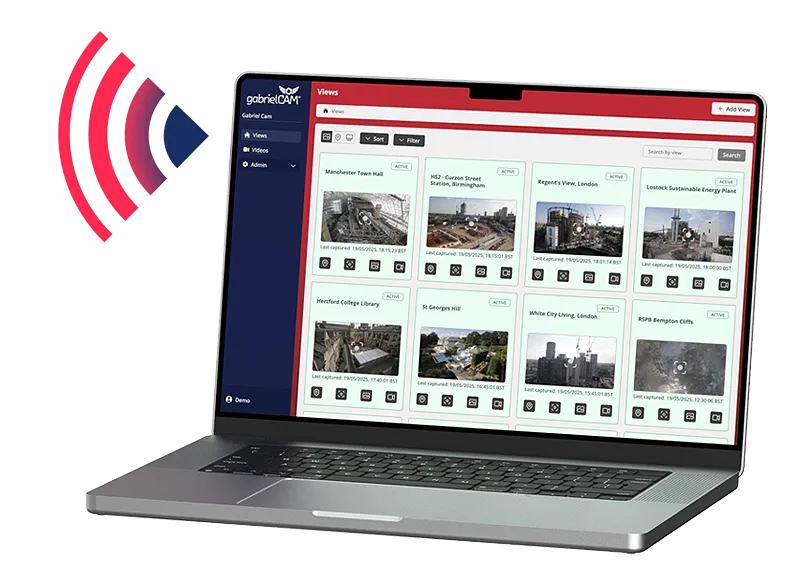
Combines live images, time-lapse video and site intelligence in one browser-based portal — accessible from phone, tablet or desktop.
Subscription Plans
gabrielCAM® Hub is your all-in-one cloud platform for remote camera control, live project viewing, automated time-lapse creation, secure storage, and client sharing.
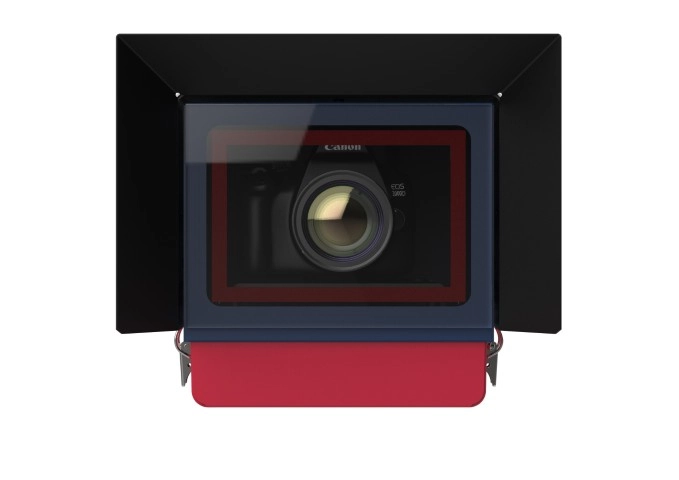
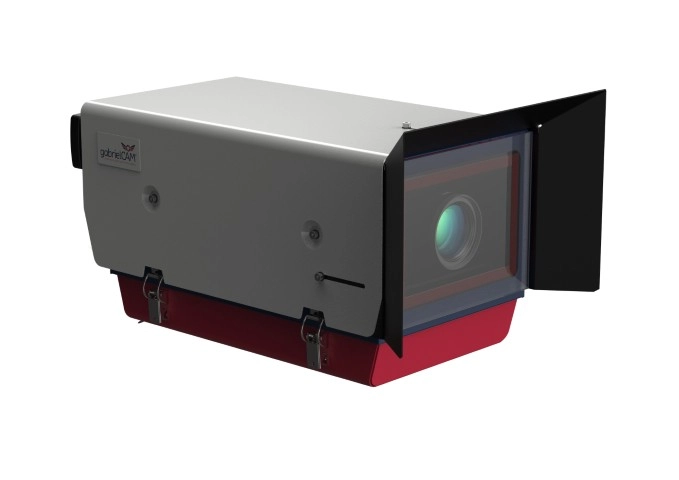
Whether you're using gabrielCAM® hardware or integrating compatible third-party/IP cameras, the Hub lets you monitor every site remotely, keep stakeholders updated with branded portals, and turn progress into polished videos—without extra site visits.
Yearly subscription plan includes a 25% saving vs the monthly plan
Standard Monthly
Standard Annually
Best value with yearly billing, billed annually
£420
Ex VAT- Local & Remote Control
- Power Diagnostics
- Advanced Logs
- 100GB Cloud Storage
- Auto Time-Lapse Generator
- Fleet View
- Map view
- Zoom and Inspect
- Image Compare
- Batch Image Download
- Overview Dashboard
- Custom Branding
- Client Sharing
- WallboardNew
Premium Monthly
Premium Annually
Extra savings with yearly plan, billed annually
£540
Ex VAT25% saving vs the monthly plan
Includes everything in Standard Monthly, plus:
- +100GB Cloud Storage
- Image Backup: FTP TransferNew
- Time-Lapse Video: Advanced EditorNew
- Time-Lapse Video: SchedulerNew
- Time-Lapse Video: AutomationNew
- Annotations & MarkupsNew
Standard Features
Compare standard features
100GB Cloud Storage
Cloud storage covering all image and video assets
Advanced Logs
Track camera operations, usage and errors to stay one step ahead and ensure best camera management
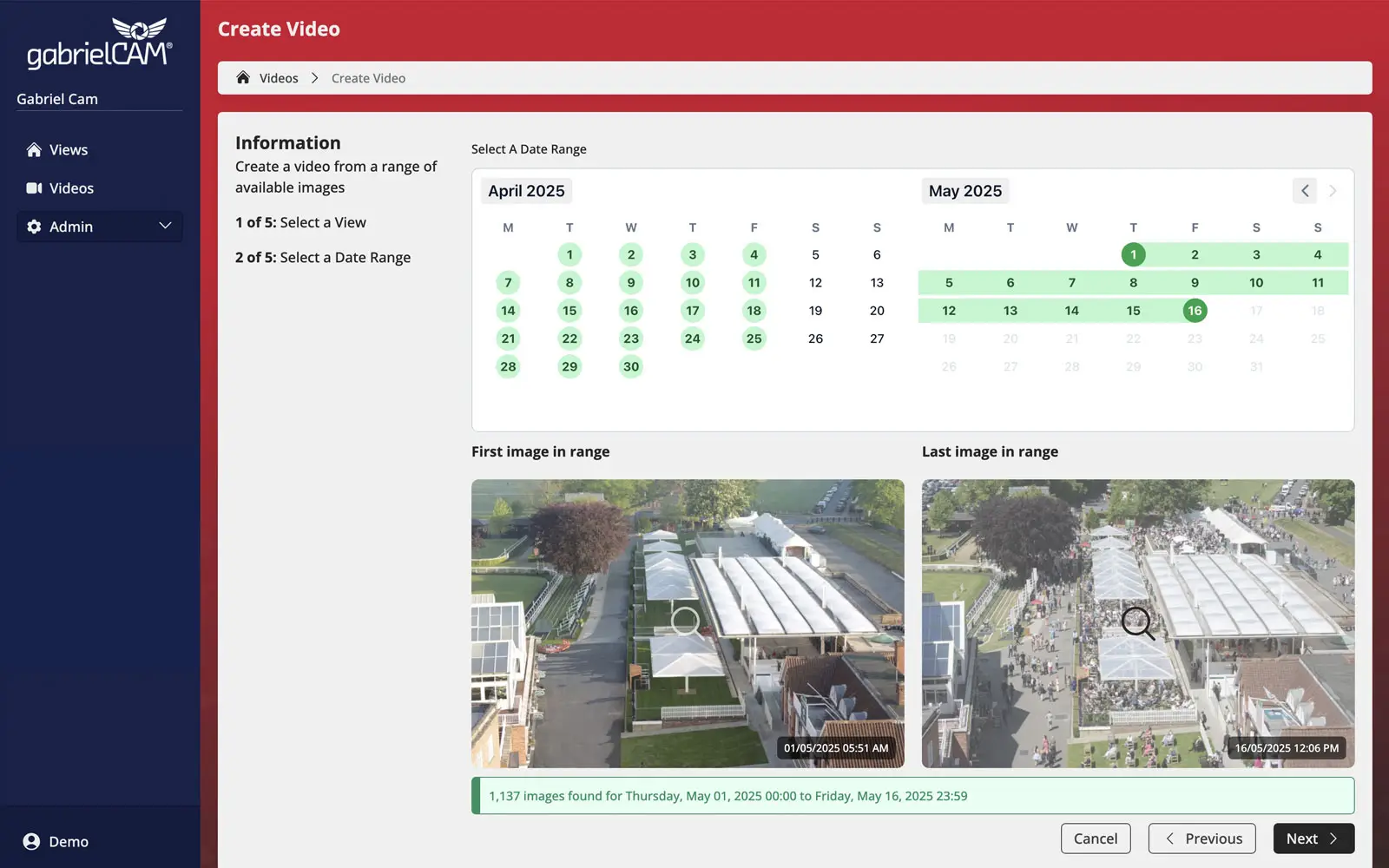
Auto Time-Lapse Generator
Select date ranges and produce automated time-lapse videos in a variety of formats
Batch Image Download
Select date ranges and download batches of images
Client Sharing
Invite users with custom access or share or embed custom branded public URL to support white label hosting
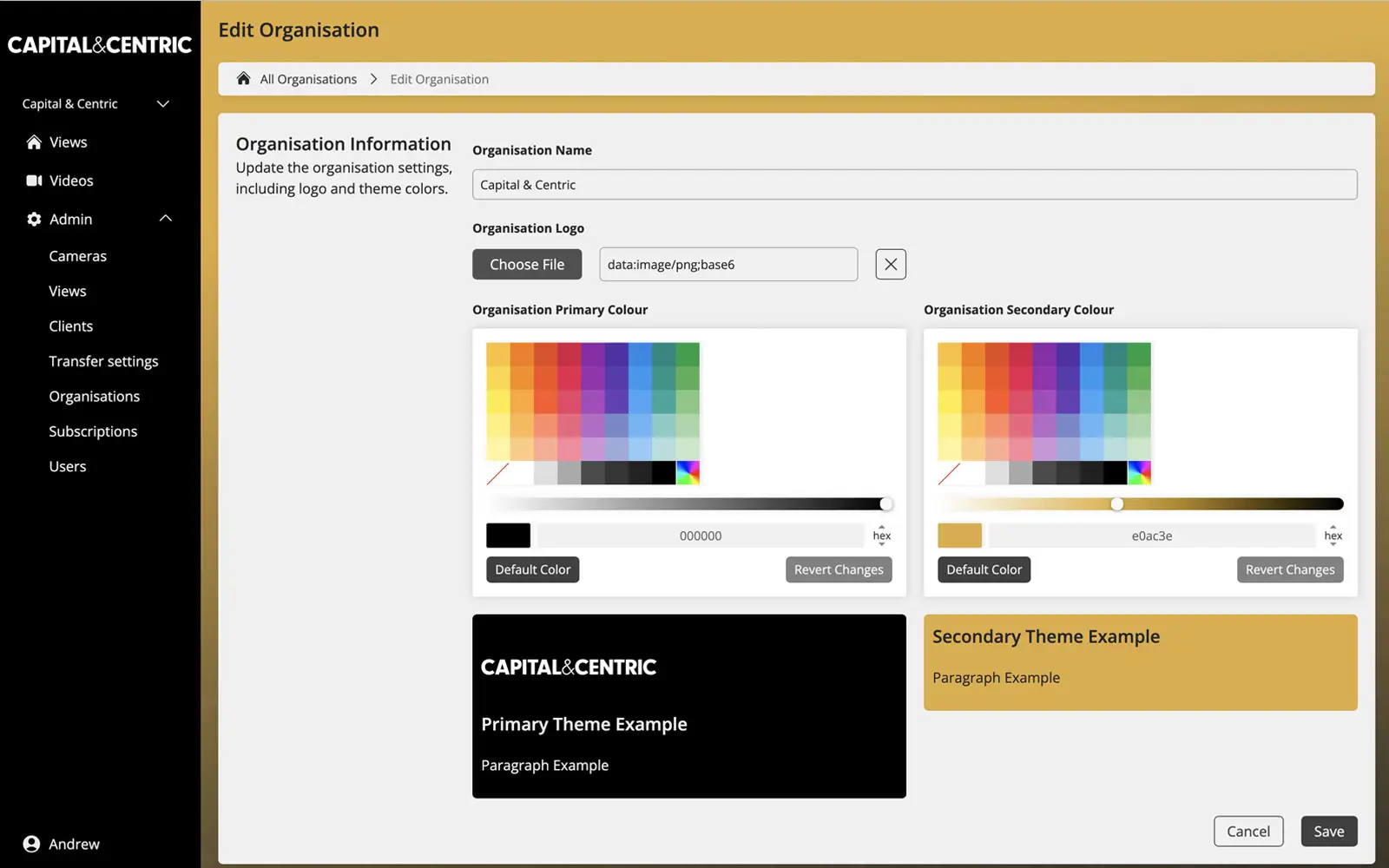
Custom Branding
Select logo and branded colours for your own organisation or external clients
Fleet View
View all camera views in one place, latest image at-a-glance. Instant navigation to camera and view control
Image Compare
Side-by-side, overlaid and stacked images to compare change using date picker
Local & Remote Control
Local & remote control for gabrielCAM® compatible hardware. Control and manage your camera system anywhere in the world
Map view
See all your camera fleet mapped in location. gabrielCAM® GPS-enabled hardware will auto locate. Manual override is also available
Overview Dashboard
Summary of key camera and view info including status, uptime, last capture and storage used
Power Diagnostics
View the latest power vitals to include battery charge and graphs. Monitor through notifications to track low power warnings
Wallboard
Full screen control for conference room sharing and monitoring with auto refresh and advanced custom view filters
Zoom and Inspect
Advanced digital zoom features to zoom in, out, pan and enter full screen mode
+100GB Cloud Storage
Premium upgrades your storage from 100GB to 200GB total
Annotations & Markups
Mark up time-lapse images and share key insights with project managers and stakeholders
Image Backup: FTP Transfer
Setup your own FTP transfer and images will automatically copy over to your own server
Time-Lapse Video: Advanced Editor
Advanced filters include image blend stabilisation, smoothing, deflicker, sharpen and overlay text
Time-Lapse Video: Automation
Automatically produce daily, weekly or monthly videos refreshed and replaced every day to provide an up-to-date snap shot of your project
Time-Lapse Video: Scheduler
Schedule in advance daily, weekly or monthly videos. Set once, sit back and let the Hub take care of the rest!
Features Coming Soon
Some amazing features are under development and will be available soon. For more information get in touch.
Advanced Time-Lapse Enhancements
Improve video quality with automatic dark frame removal and built-in stabilisation for smoother playback
AI Quantity, PPE & Object Tracking
Automatically measure installed quantities, detect PPE compliance, and track key objects and deliveries from your time-lapse imagery—ideal for QS reporting
In-Depth Features
We offer a range of features to help you get the most out of your subscription
Advanced Time-Lapse Video Generator
Auto Time-Lapse Generator
Select date ranges and produce automated time-lapse videos in a variety of formats
Professional Look and Feel
Custom Branding
Select logo and branded colours for your own organisation or external clients
Complete Overview
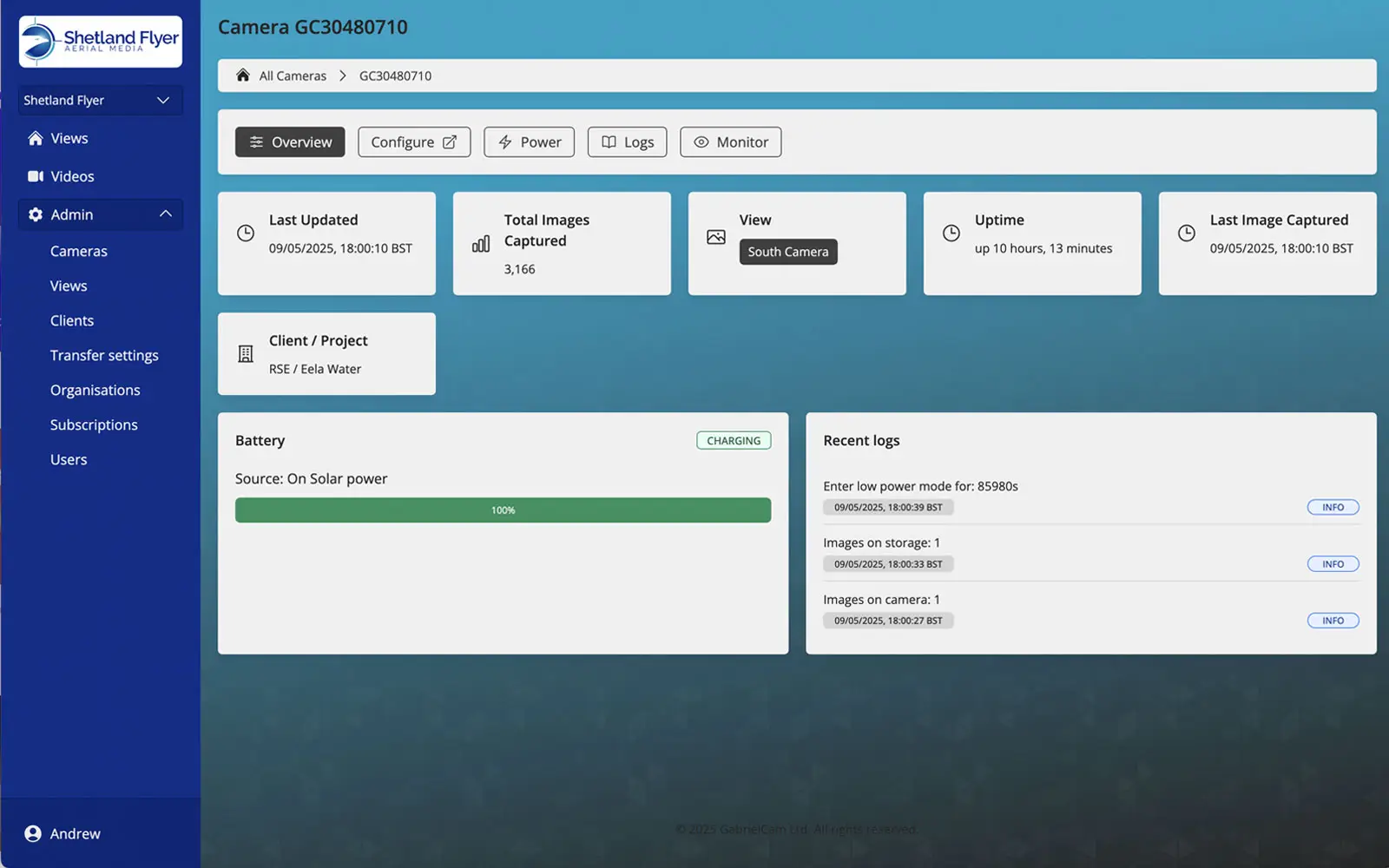
Overview Dashboard
Summary of key camera and view info including status, uptime, last capture and storage used
Unique Overview & Monitoring
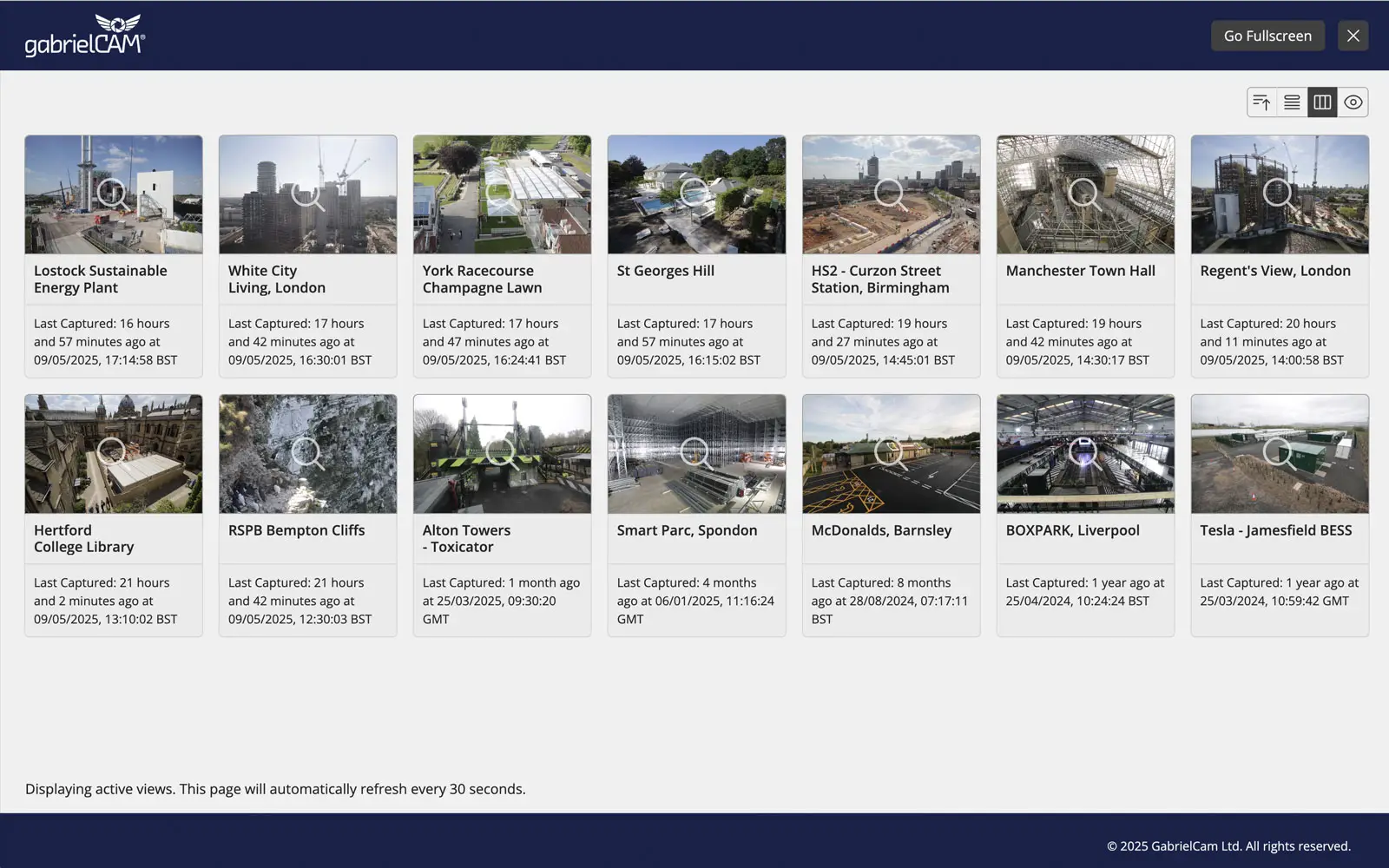
Wallboard
Full screen control for conference room sharing and monitoring with auto refresh and advanced custom view filters
Control Your Assets
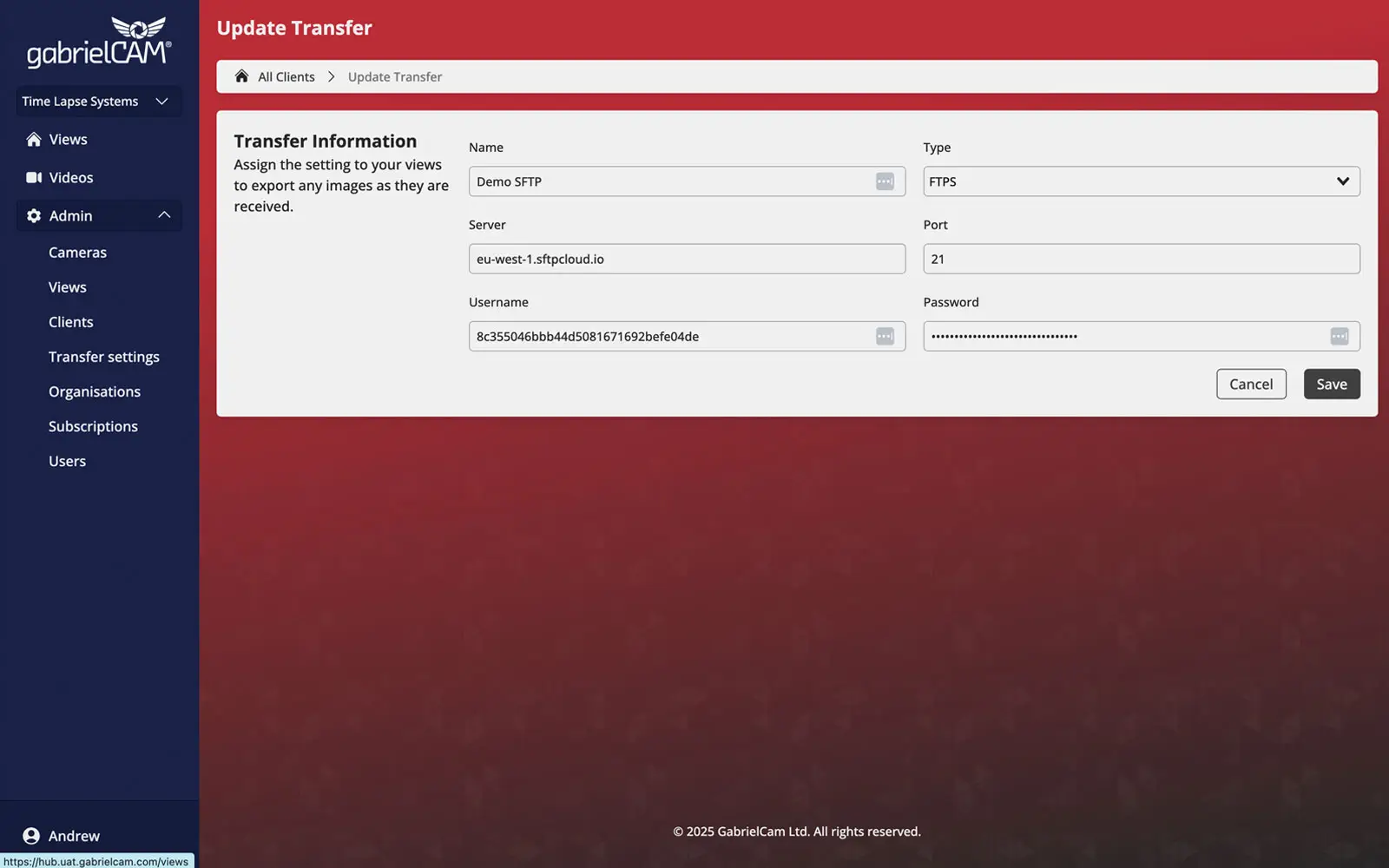
Image Backup: FTP Transfer
Setup your own FTP transfer and images will automatically copy over to your own server
Advanced Video Editor
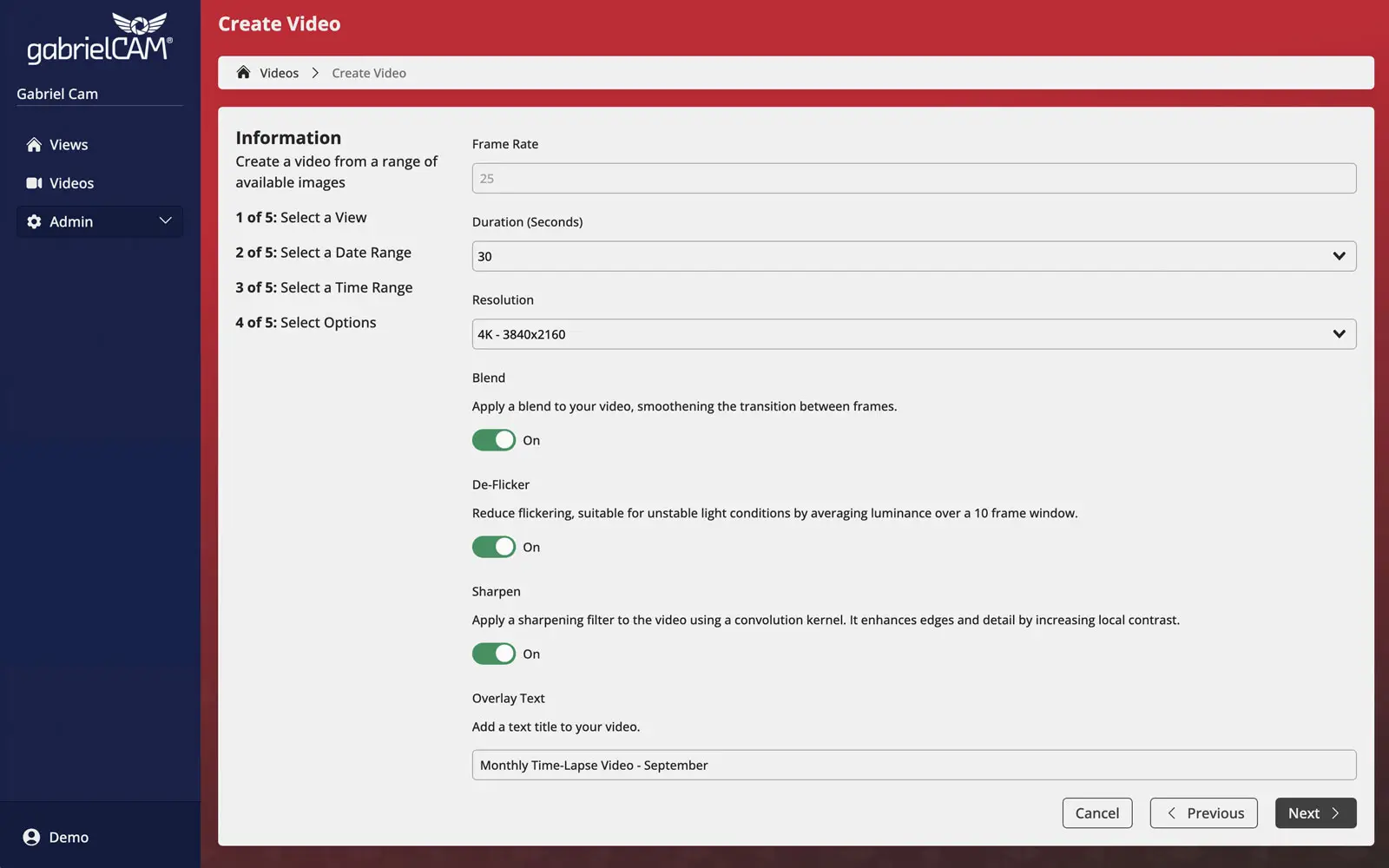
Time-Lapse Video: Advanced Editor
Advanced filters include image blend stabilisation, smoothing, deflicker, sharpen and overlay text
Frequently Asked Questions
Everything you need to know about our software